
/Tool / Mac only
Split it. Stack it.
Split/Stack cuts a wide photo into Instagram carousel slides that line up when you swipe. It also stacks several photos into one cover slide. Drop a video clip into the stack and it saves as a video. I got tired of doing both by hand in Photoshop, so I built this.
$14 once. No subscription. No account.

/How it works
Three steps.
/01
Drop it in
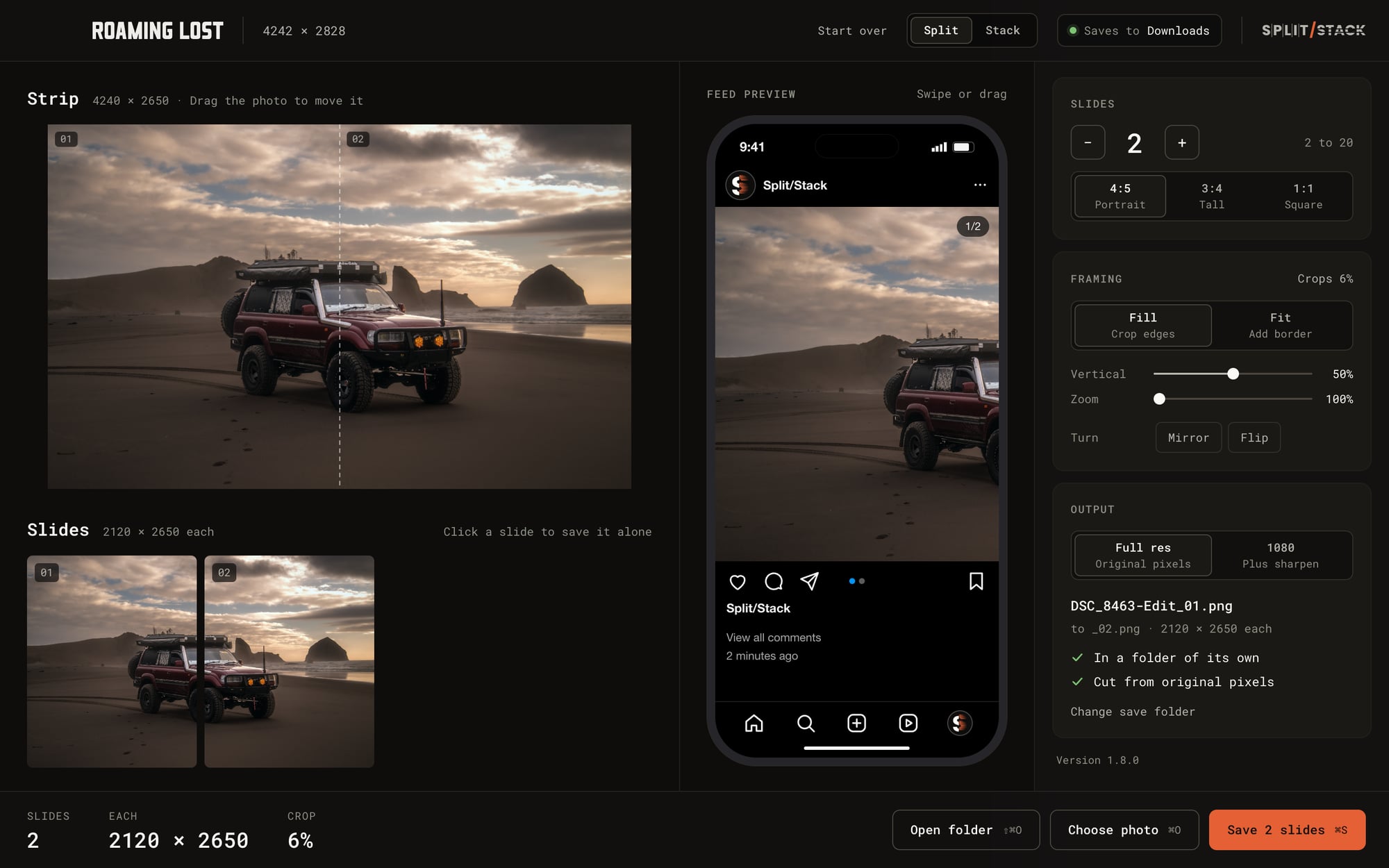
Drag a wide shot, a few photos or a few video clips onto the window, straight from Finder or the Photos app. Or paste, or choose files. iPhone HEIC works too.
/02
Split or stack
Split one photo into equal slides, or stack 2 to 5 photos and clips into one. Pick the shape: 4:5, 3:4 or 1:1. Stacks can also be 9:16 for a Story. A phone preview shows the post.
/03
Save
One click. The files land next to your original, named in order and ready to post. A stack with a clip in it saves as an MP4.
/Tool 01 / Split
No seams.
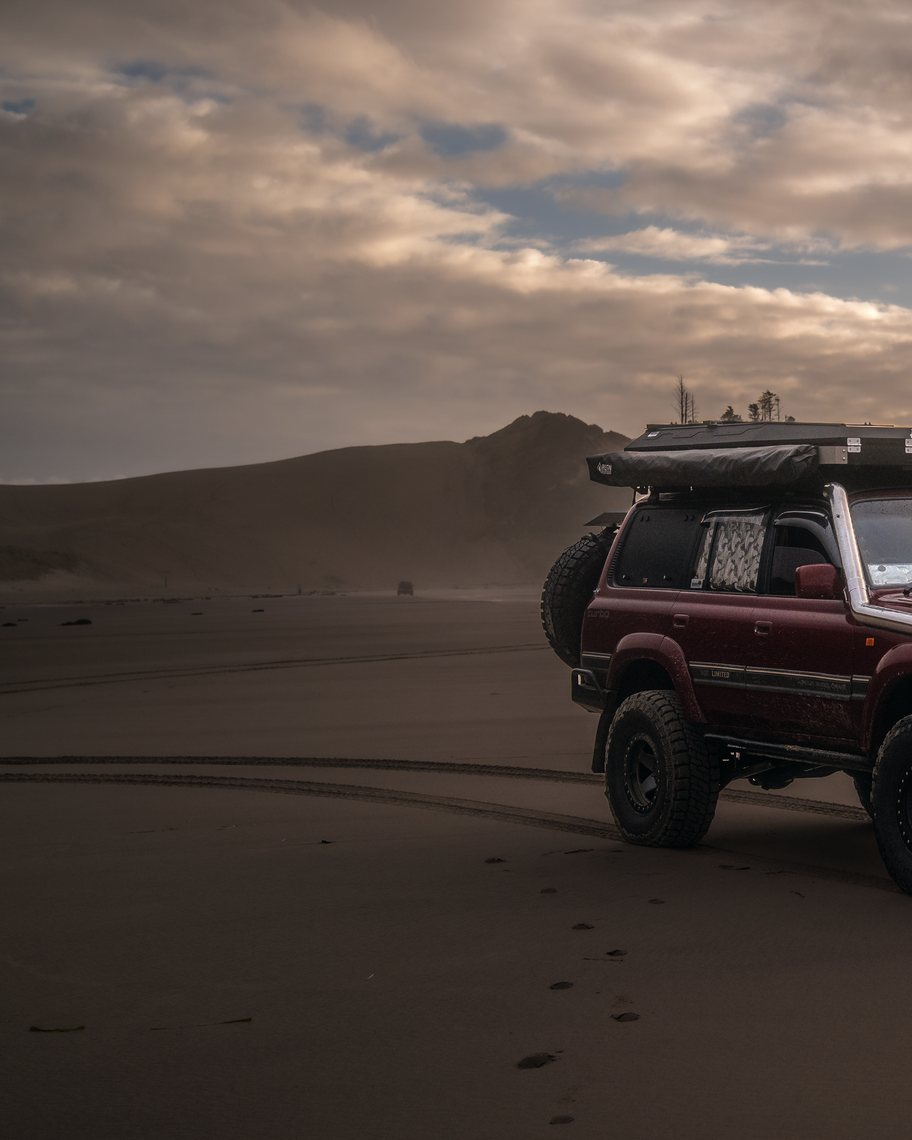
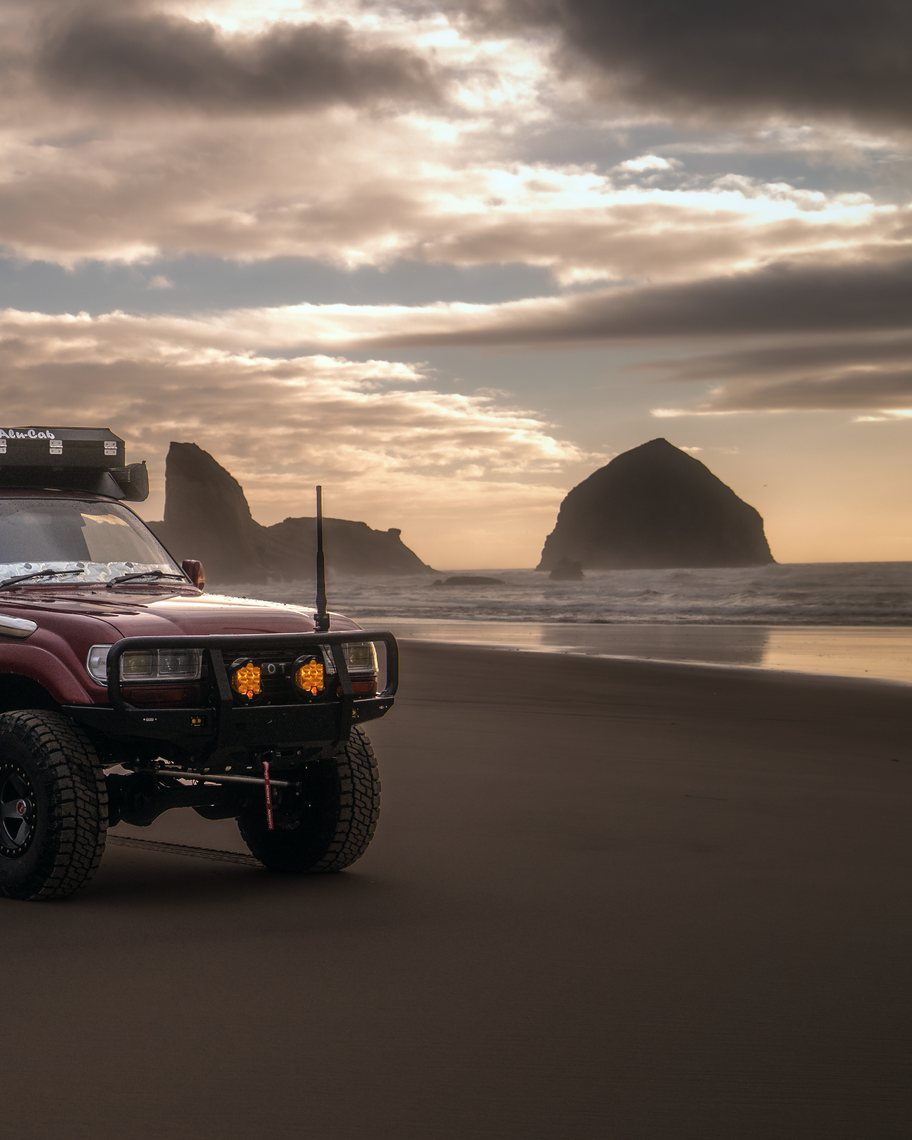
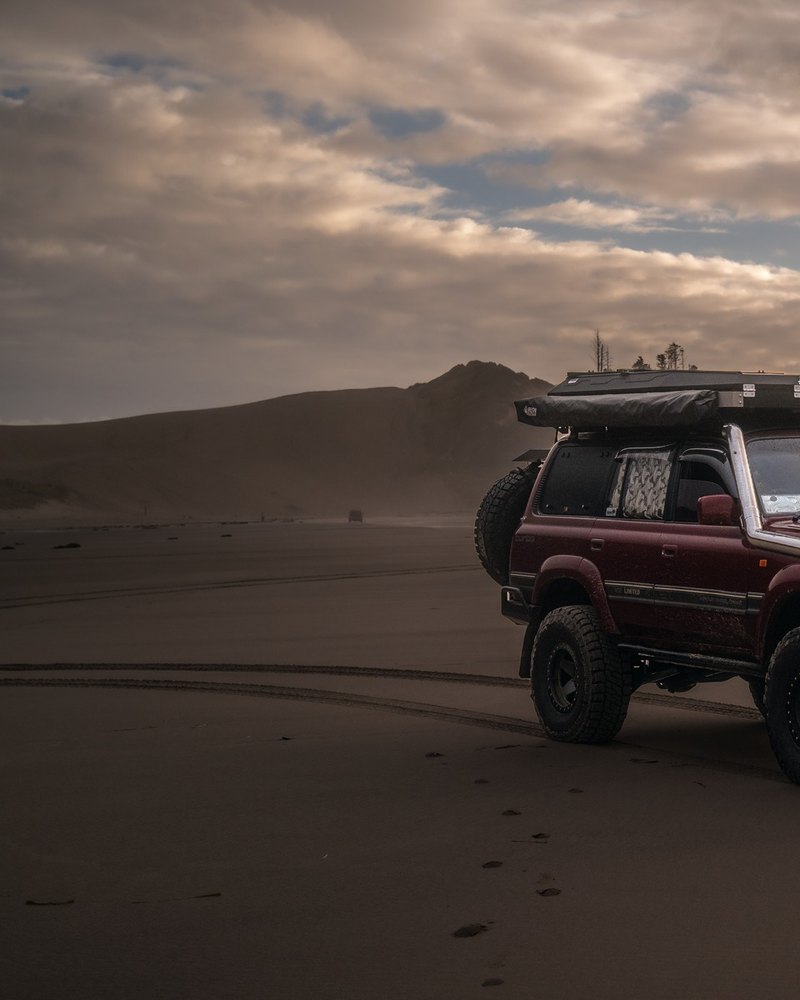
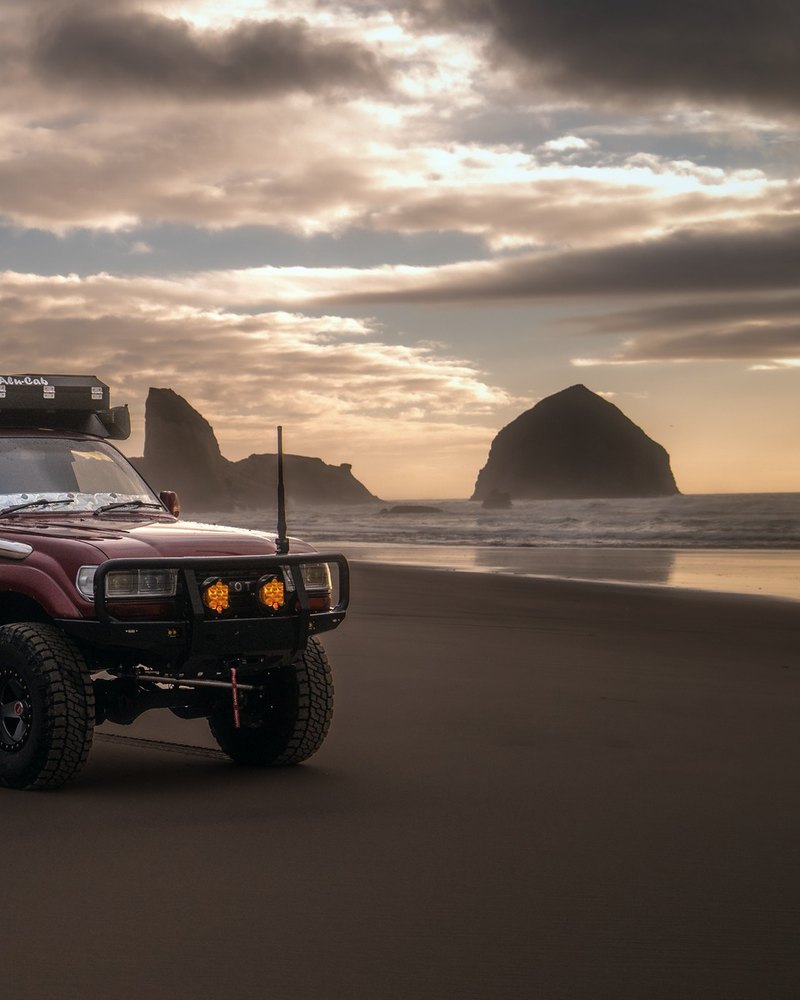
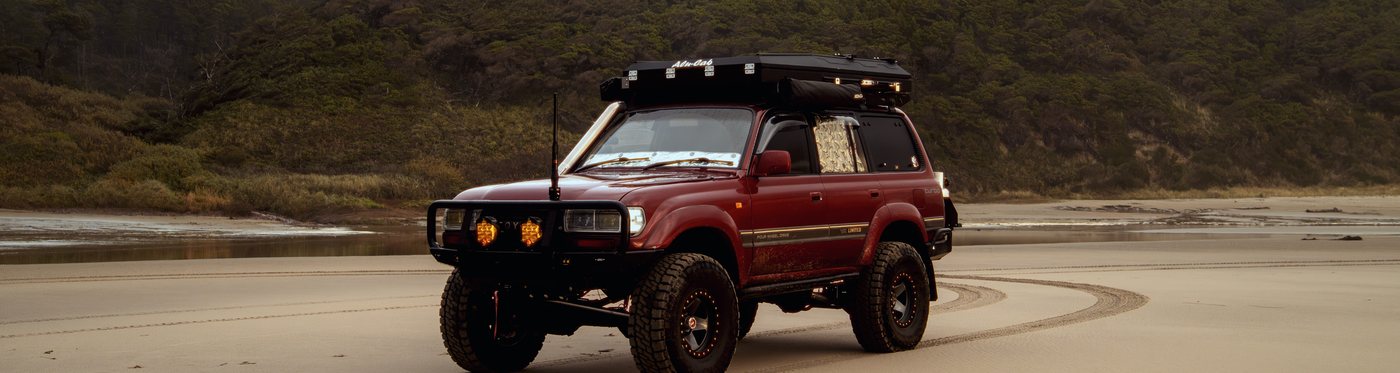
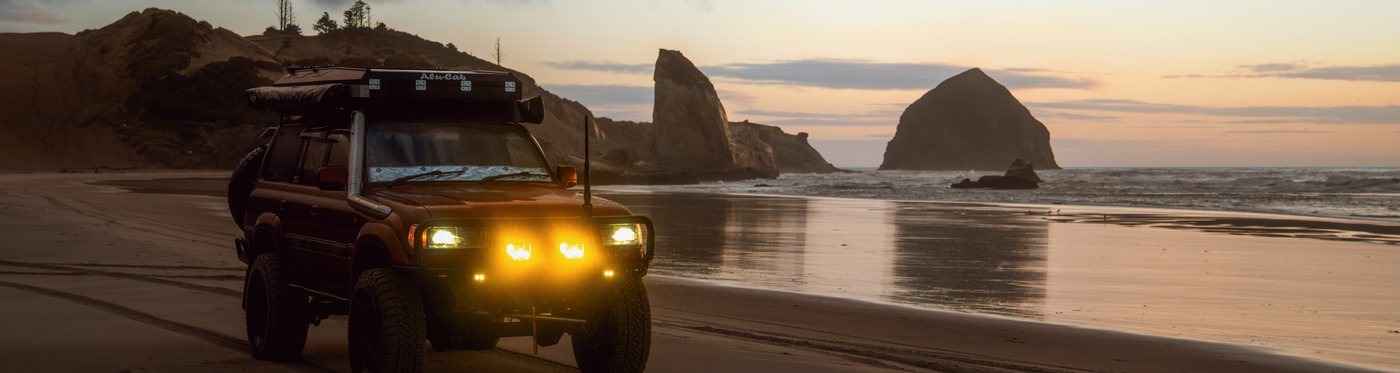
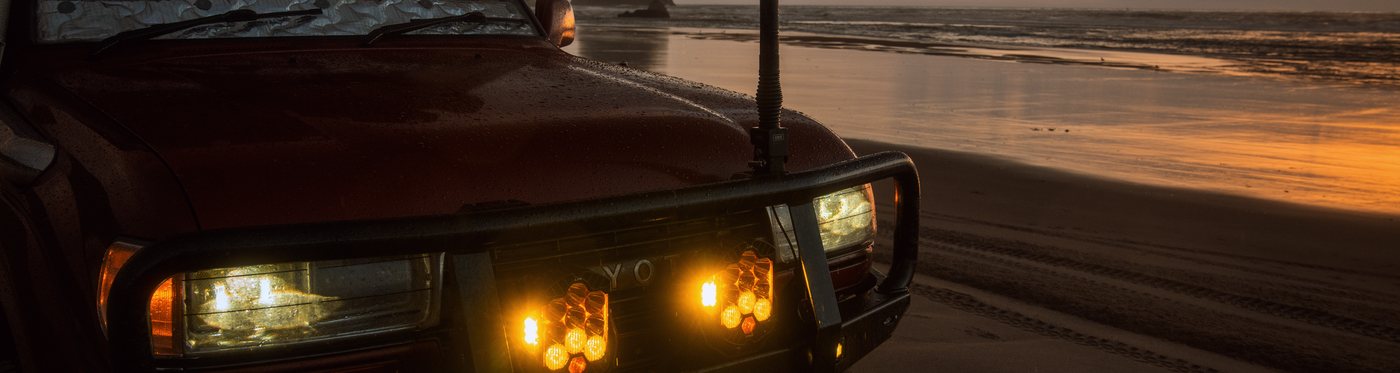
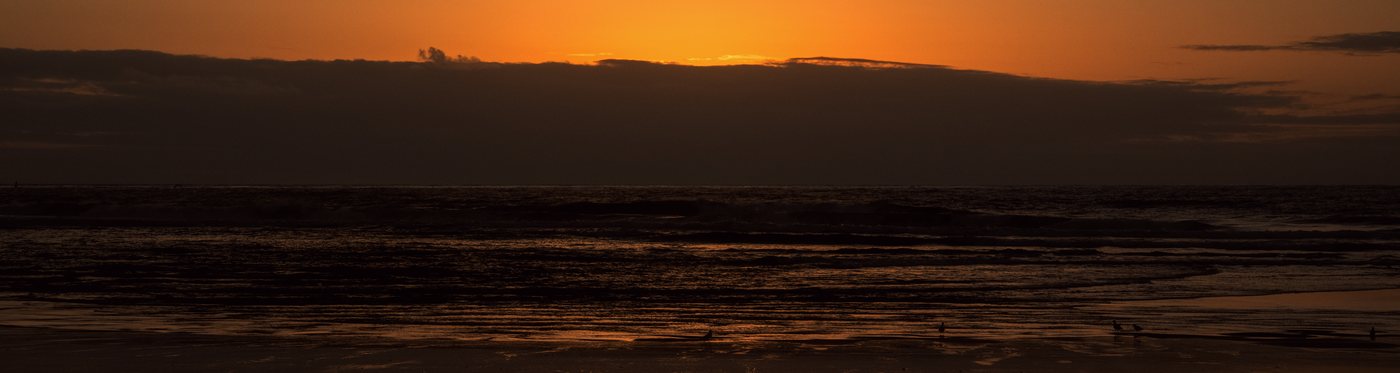
One wide photo becomes equal slides, cut from your original pixels. Post them in order and the picture carries straight across the swipe. Mirror or flip the photo first if it reads better the other way.
 01
 02

/Tool 02 / Stack
Stack a cover.
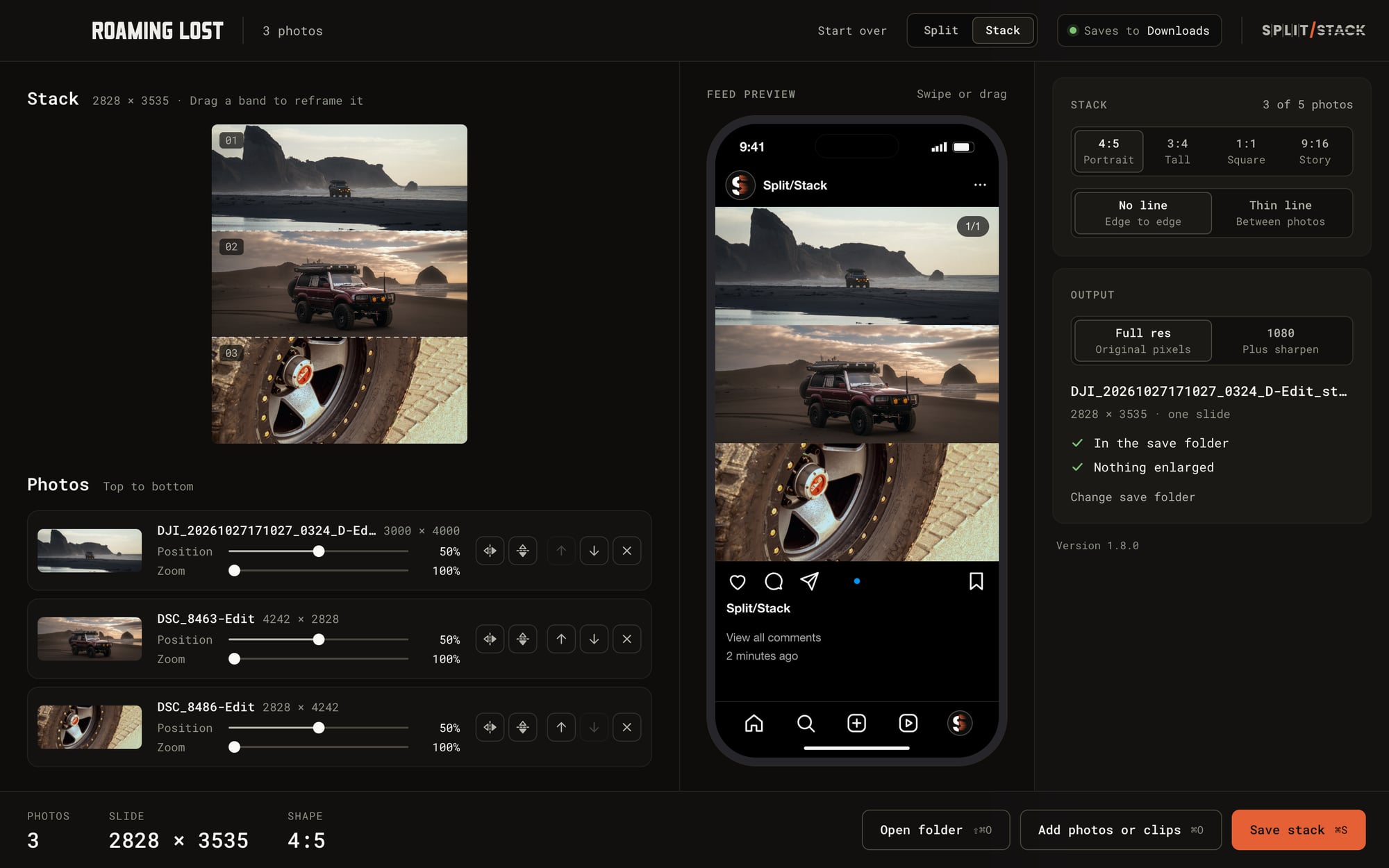
It is the stacked first image you see on a lot of carousels. Drop 2 to 5 photos and they join into one slide, top to bottom. Drag each band to frame it, or zoom in on one. Mirror, flip or reorder them, or add a thin line between.
Pick 9:16 and the stack becomes a Story. Safe zones show where the profile bar and the reply field will sit.
/Tool 02 / Stack video
Make it move.
Drop video clips into a stack, next to your photos or on their own. Every band plays its own clip, and the stack saves as one MP4 for a carousel or a Reel.
- TrimDrag the two handles under a clip to keep the part you want.
- PlayHit Play or the Space bar and watch the stack before you save it.
- SaveAn MP4, 1080 wide at 30 fps. The shortest clip sets the length, or loop the short ones.
/What it does
Built for the feed.
Video stacks
Mix clips in with your photos. Trim each one, hit Play to check it, and save an MP4 for a carousel or a Reel.
Full resolution
Slides are cut straight from your original pixels. Nothing is resized unless you ask for 1080.
Equal slides
Every slide is the same width and height, so the seams line up when you swipe.
Feed preview
See the post on a phone before you save. Swipe through it and check where the cuts fall.
Fill or fit
Crop to fill the frame, zoom in up to 300% and drag the photo where you want it. Or fit the whole photo with a border.
Mirror and flip
Turn a photo left to right or top to bottom before you split or stack it.
Open a folder
Point it at a folder of photos and work through them one after another.
Updates built in
New versions download by themselves. One click to restart and you are current.
Private
It all runs on your Mac. Your photos are never uploaded anywhere.
/Before you buy
- Mac onlyApple silicon, macOS 13 or newer
- Price$14 once
- SubscriptionNone
- AccountNone
- DeliveryDownload link by email
/Questions
[email protected]/Made by
Kingston at Roaming Lost, Portland, Oregon.