
/Tool / Mac only
Split it. Stack it.
Split/Stack cuts a wide photo into Instagram carousel slides that line up when you swipe. It also stacks several photos into one cover slide. I got tired of doing both by hand in Photoshop, so I built this.
$5 once. No subscription. No account.



/How it works
Three steps.
/01
Drop a photo
Drag a wide shot onto the window, paste it, or choose a file. iPhone HEIC works too.
/02
Split or stack
Split one photo into equal slides, or stack 2 to 5 photos into one. Pick the shape: 4:5, 3:4 or 1:1. A phone preview shows the post.
/03
Save
One click. The files land next to your original photo, named in order and ready to post.
/Tool 01 / Split
No seams.
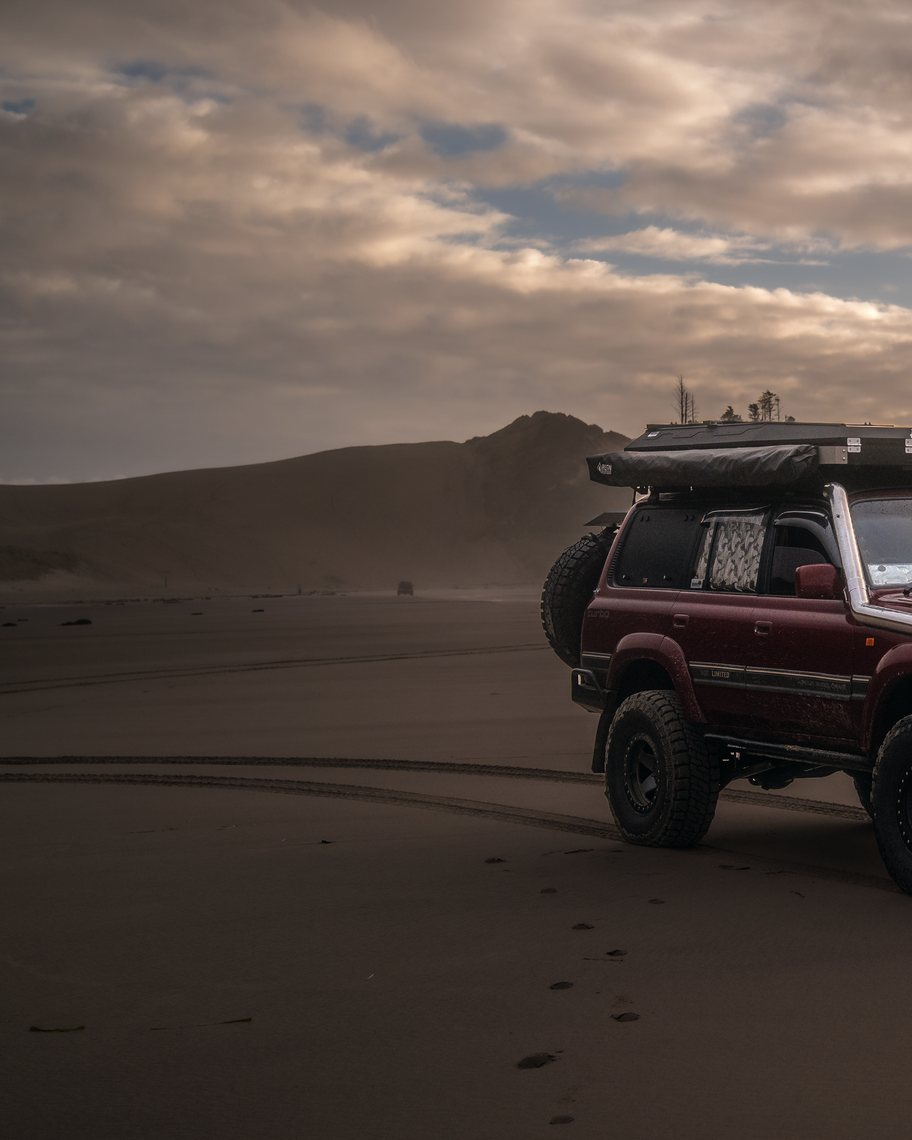
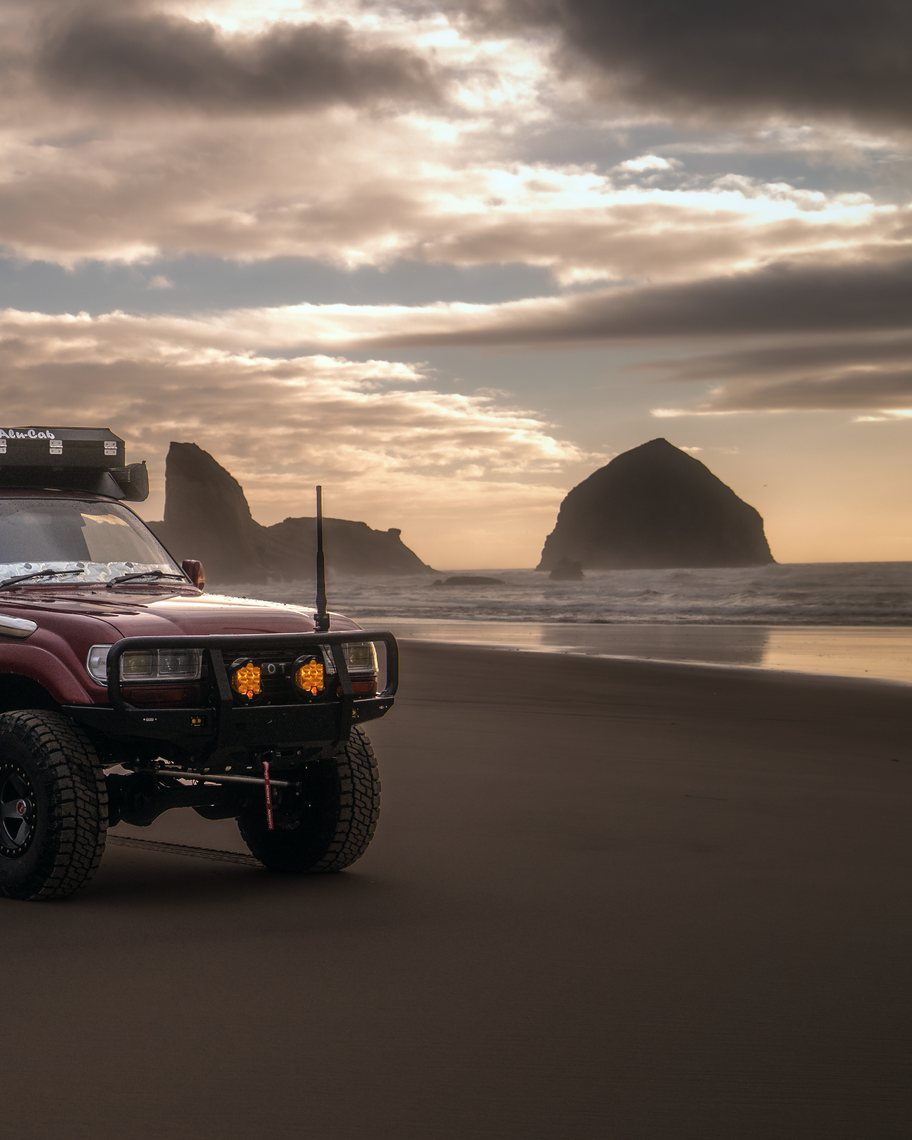
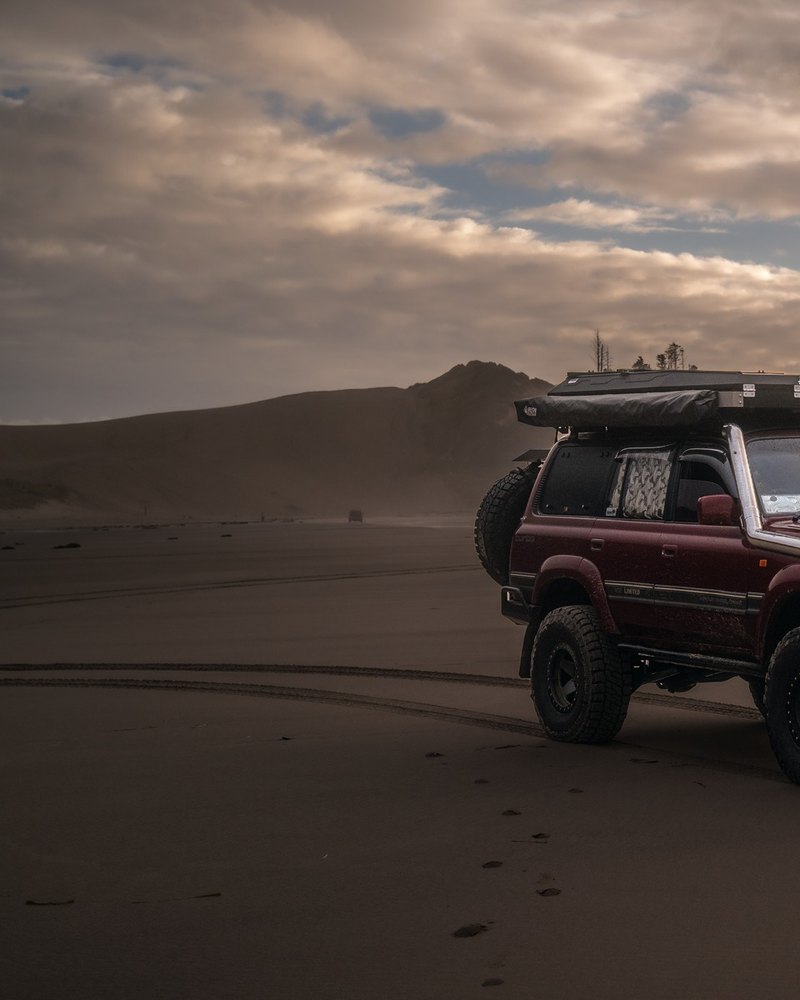
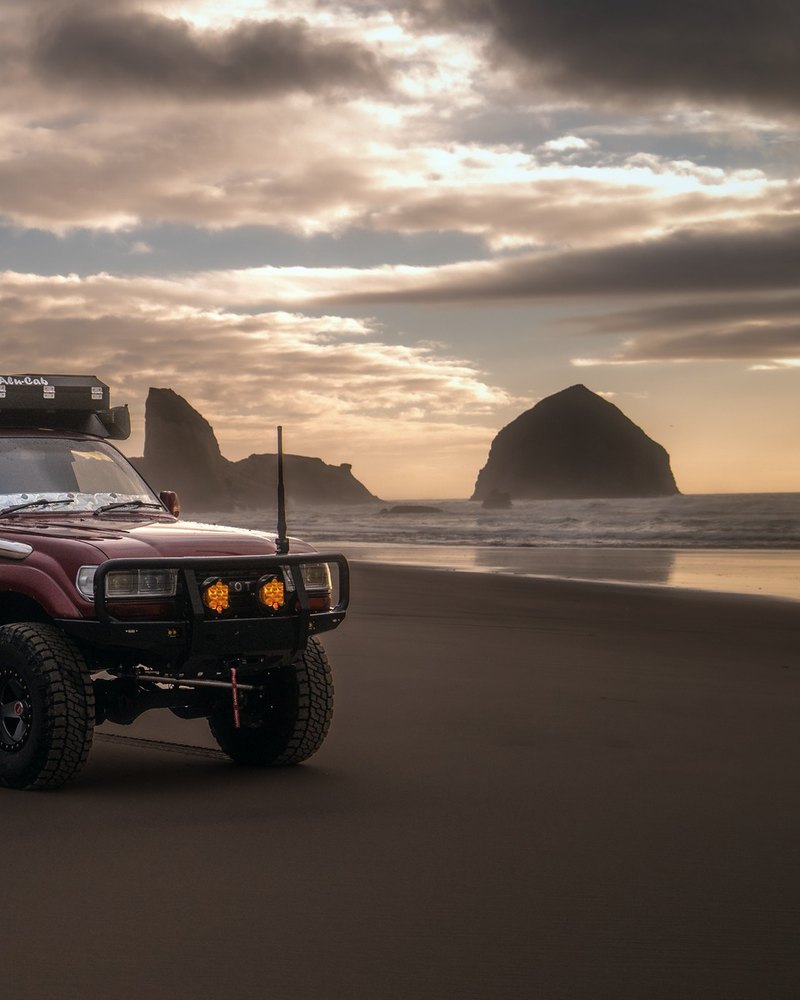
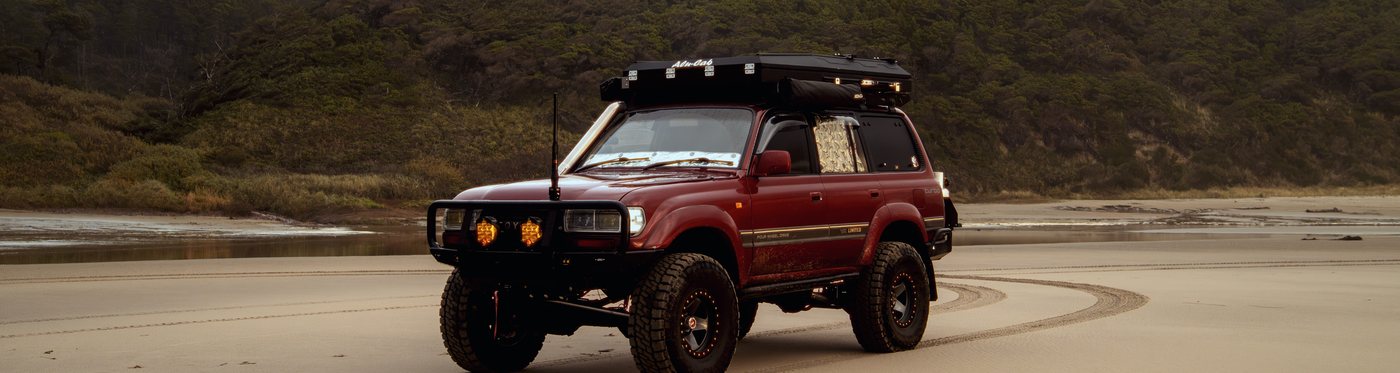
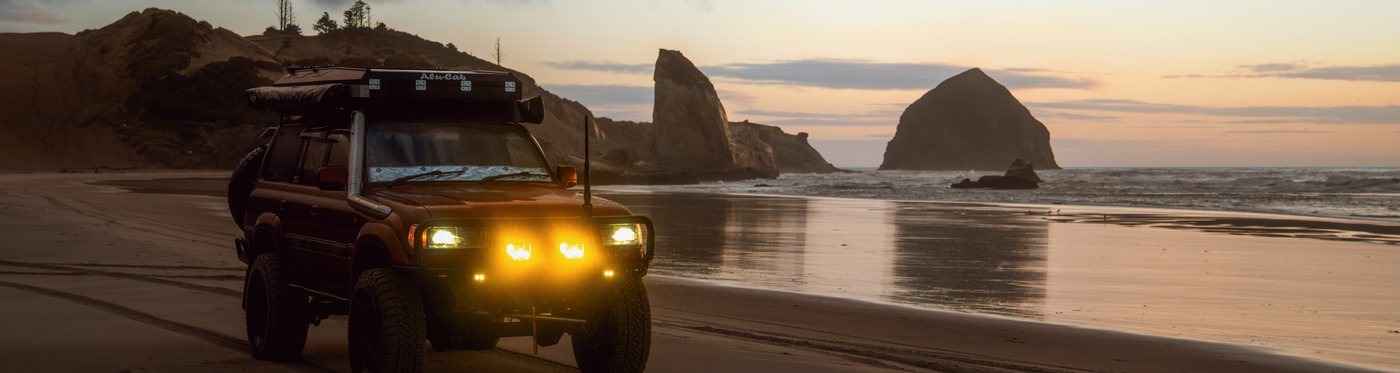
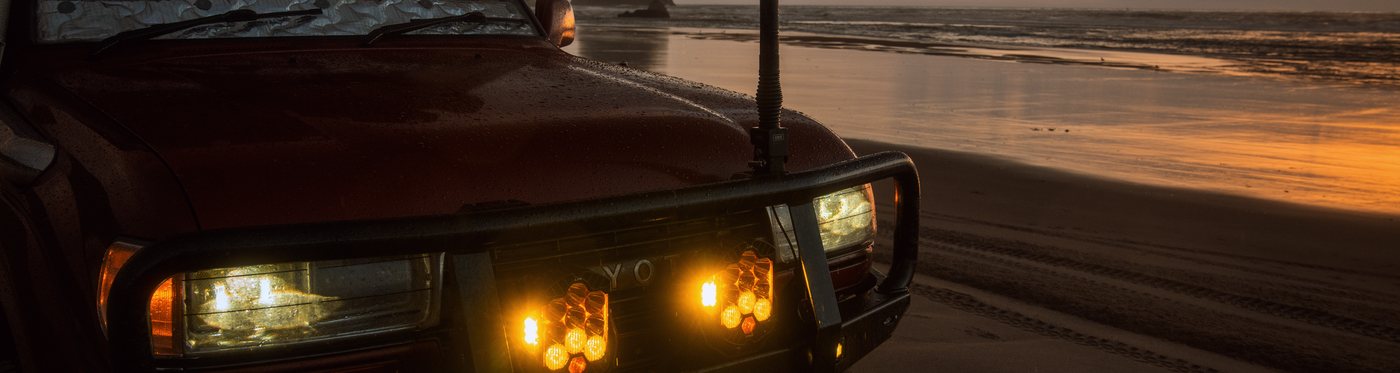
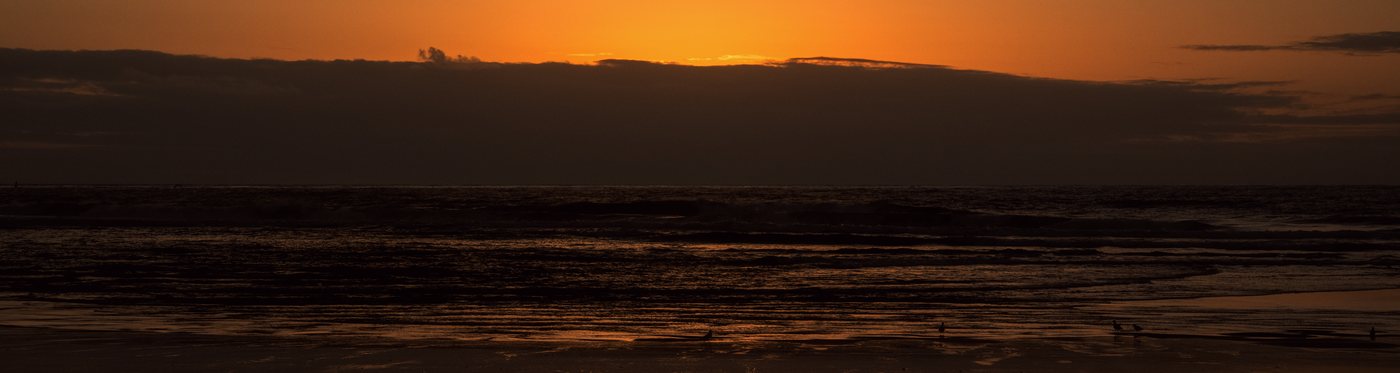
One wide photo becomes equal slides, cut from your original pixels. Post them in order and the picture carries straight across the swipe. Mirror or flip the photo first if it reads better the other way.
 01
 02

/Tool 02 / Stack
Stack a cover.
Drop 2 to 5 photos and they join into one slide, top to bottom. Drag each band to frame it. Mirror or flip any photo, reorder them, and add a thin line between if you want one. It is the stacked first image you see on a lot of carousels.
/What it does
Built for the feed.
Full resolution
Slides are cut straight from your original pixels. Nothing is resized unless you ask for 1080.
Equal slides
Every slide is the same width and height, so the seams line up when you swipe.
Feed preview
See the post on a phone before you save. Swipe through it and check where the cuts fall.
Fill or fit
Crop to fill the frame and slide the crop where you want it, or fit the whole photo with a border.
Open a folder
Point it at a folder of photos and work through them one after another.
Private
It all runs on your Mac. Your photos are never uploaded anywhere.
/Before you buy
- Mac onlyApple silicon
- Price$5 once
- SubscriptionNone
- AccountNone
- DeliveryDownload link by email
/Questions
hello@roaminglost.co/Made by
Kingston at Roaming Lost, Portland, Oregon.